
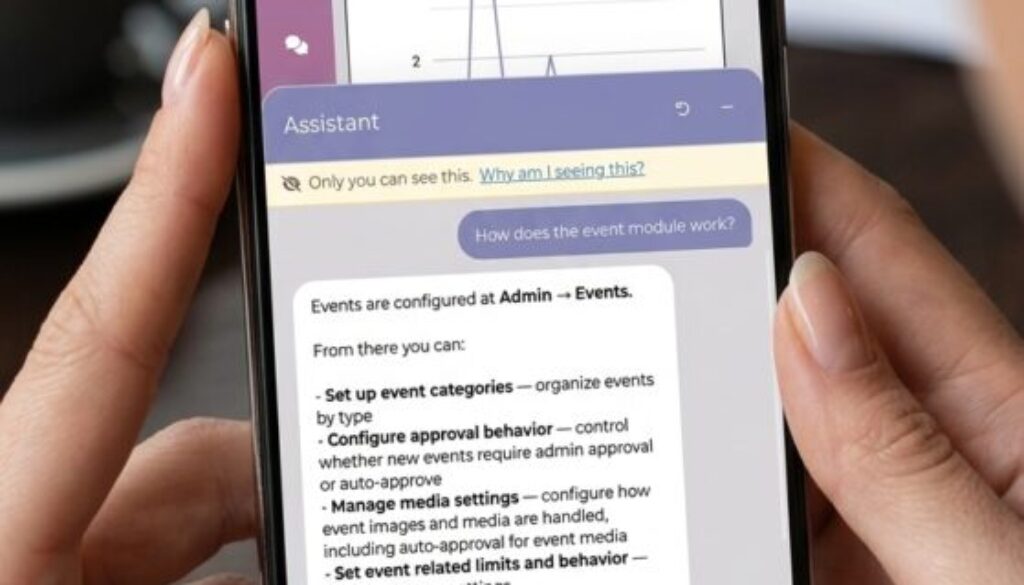
AI Chatbot Support for your Niche Dating Site
Your time is the most valuable thing on your site
If you run a niche dating site, in the beginning you wear every hat. You’re the marketer, the community manager, the event planner and the person who figures out where the membership settings live. The hours add up, and most of them don’t go toward the thing that matters: building a community your members love.
Your members feel the same friction. Someone who can’t figure out how to add a photo or join a group rarely writes in for help. They just drift away.
That’s why every iDateMedia site now includes a built-in assistant. It answers your setup questions inside your admin settings, helps your members on your site, and speaks in the name and voice you choose.
Get answers without leaving your settings
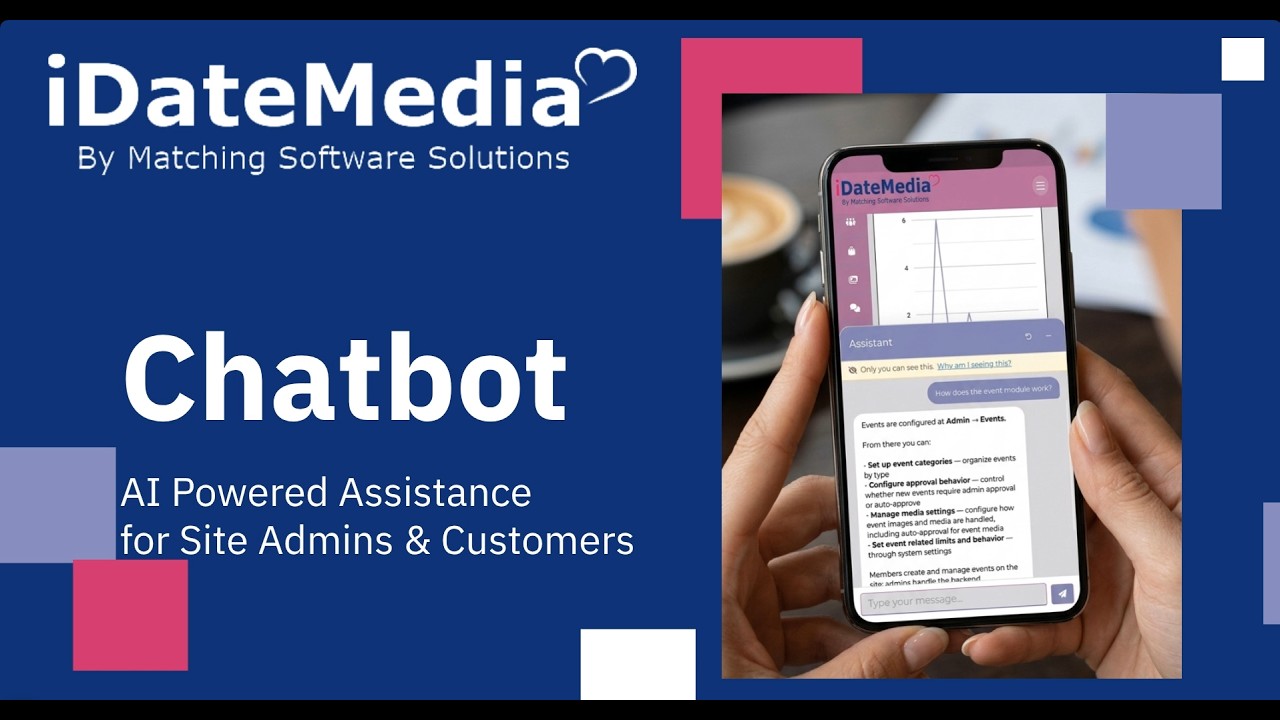
You’ll find the assistant button in the corner of every admin settings page. Click it and ask your question the way you’d ask a coworker. You don’t need to know what a feature is called or where it lives.
Try questions like these:
- “How do I add a paid membership level?”
- “Where do I change my site colors?”
- “Can members start their own groups?”
- “How do I sell ad space to a local business?”
Each answer comes with short, plain-language steps and a link that takes you straight to the right settings page. No more clicking through menus to find it.
Make it sound like your community
Your members already know your brand. The assistant should feel like part of it, not a generic help widget. In your assistant settings you can change three things.
- Name. Members see this name every time they open the chat. Choose something that fits your community’s personality. A site for outdoor lovers might call it Trail Guide. A faith-based community might pick a warm first name.
- Greeting. This is the first message a member reads. Keep it to one or two friendly sentences.
- Instructions. This is a short briefing for the assistant, like the one you’d give a new team member on day one.
What to put in your instructions
You don’t need any technical knowledge to write good instructions. Answer these three questions in plain sentences:
- Who are your members? Their age range, interests, and how comfortable they are with technology.
- How should it sound? Warm and playful, calm and reassuring, or brief and to the point.
- What should it always mention? Safety reminders, your upcoming events, or a link to your community guidelines.
Here’s an example for a site serving singles over 50:
You are Rosie, the friendly guide for Silver Sparks, a dating community for singles over 50. Be warm, patient and plain spoken. Many members are new to online dating, so avoid tech jargon and keep answers to a few short steps. Always encourage members to meet in public places for first dates.
Start simple. You can come back and adjust your instructions anytime as you learn what your members need.
Help for your members, around the clock
The same assistant is available to your members on your site, using the name, greeting and voice you set. Members can ask about things like:
- Building and editing their profile
- Adding or reordering photos
- Joining groups and RSVPing to events
- Hiding their profile or changing privacy settings
Each answer links them to the right page on your site. Members get help the moment they need it, and you get fewer “how do I” emails.
Try it today
Want a walkthrough? Watch the tutorial video above to see every step in action.